


Screenshots DDR Professional - Data Recovery Software
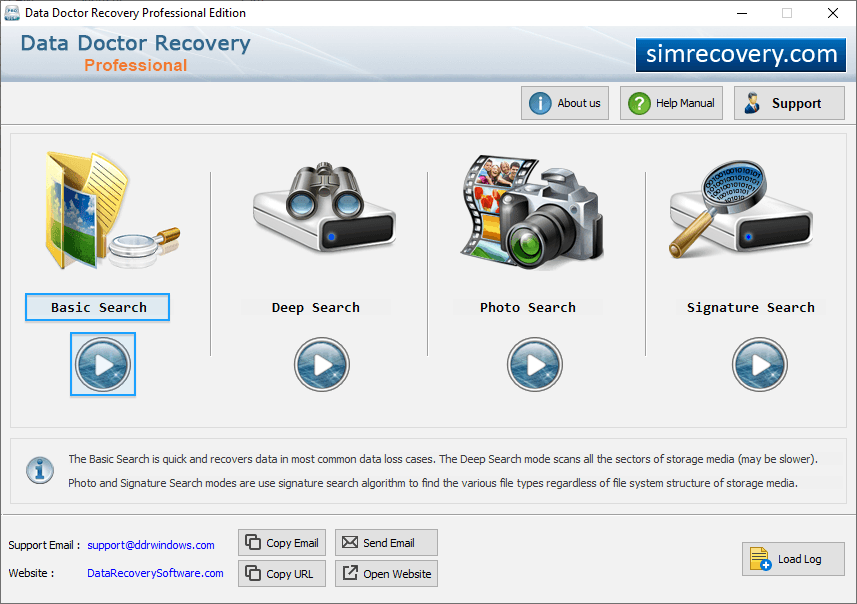
Select any recovery mode among Basic Search, Deep Search, Photo Search and Signature Search.
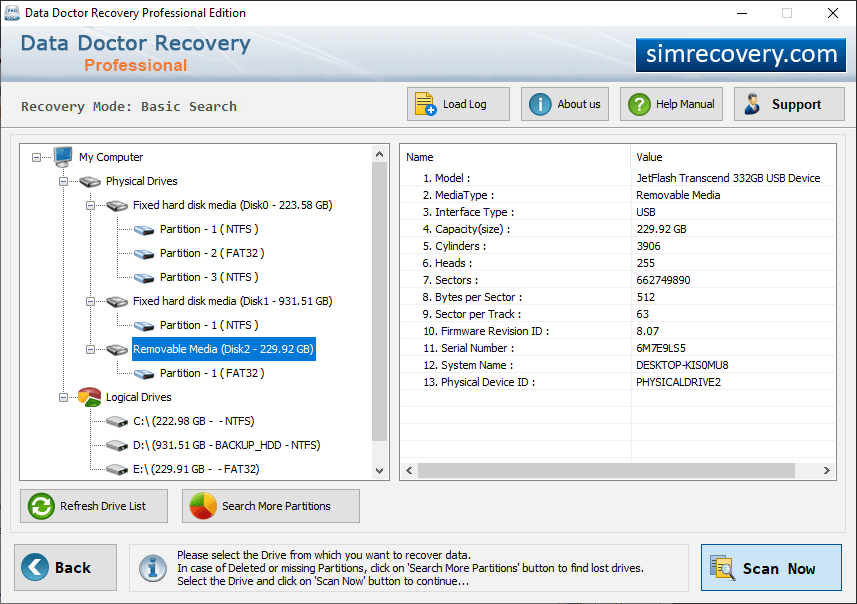
Select removable media from left side and details of disk is shown at right side and click on “Next” button to continue.
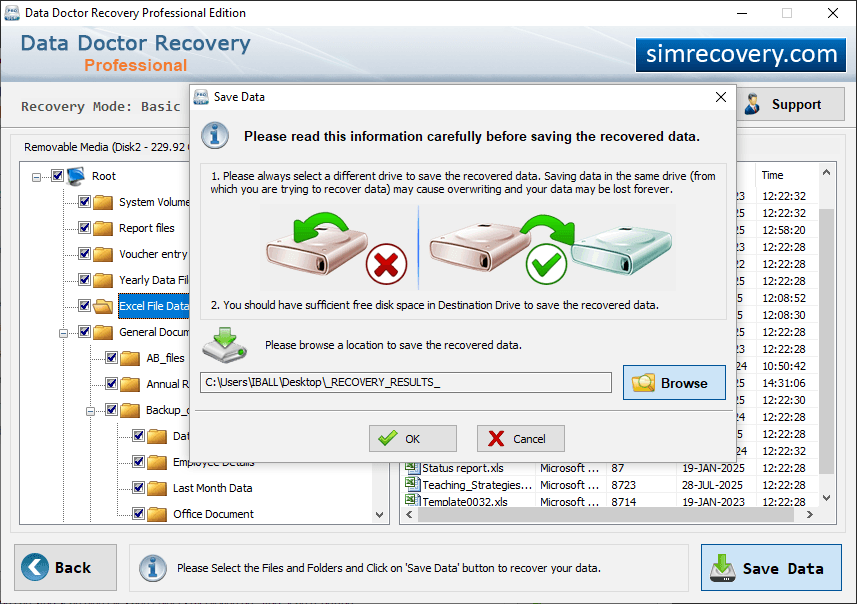
Browse path where the recovered data will be saved by Professional Recovery.
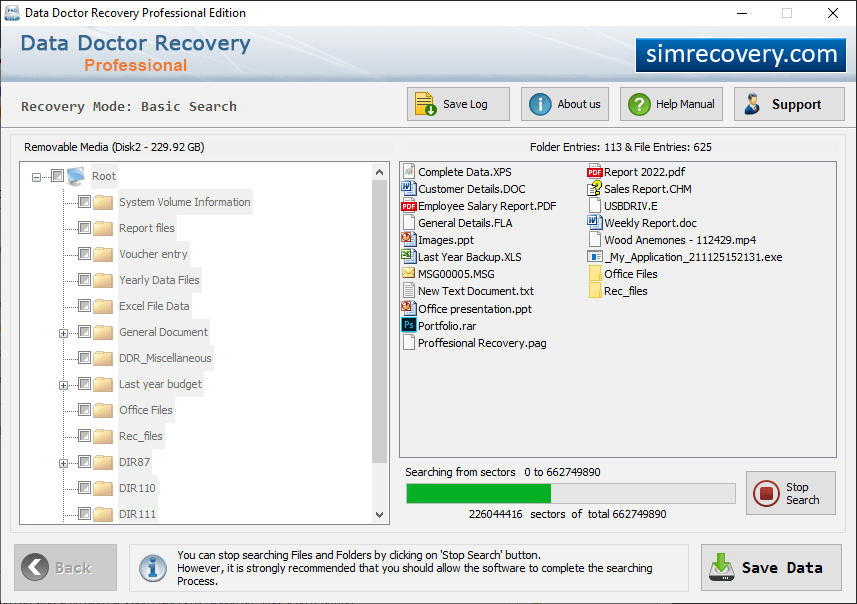
Wizard shows progress bar to view current status of thorough scanning process.
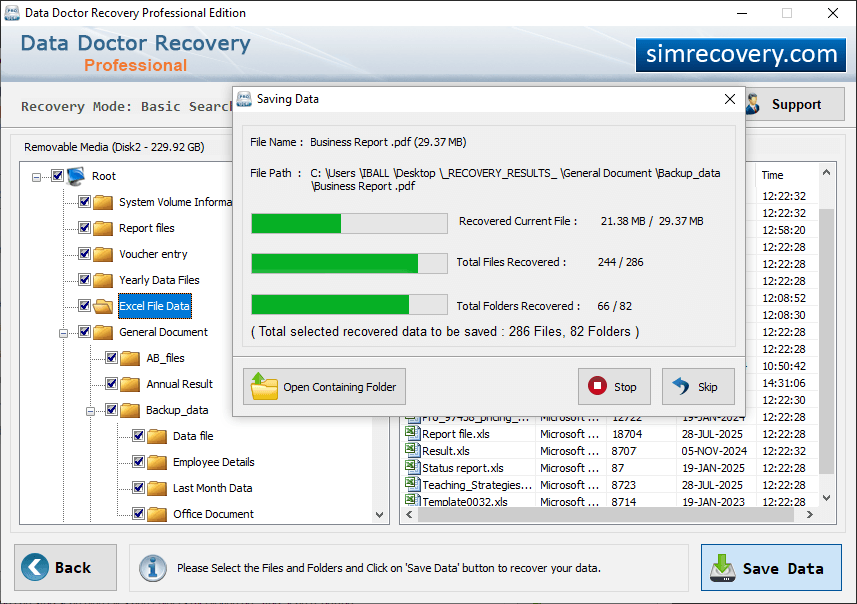
Click on “Open Containing Folder” to view recovered data.