


Screenshots Digital Camera Data Recovery Software
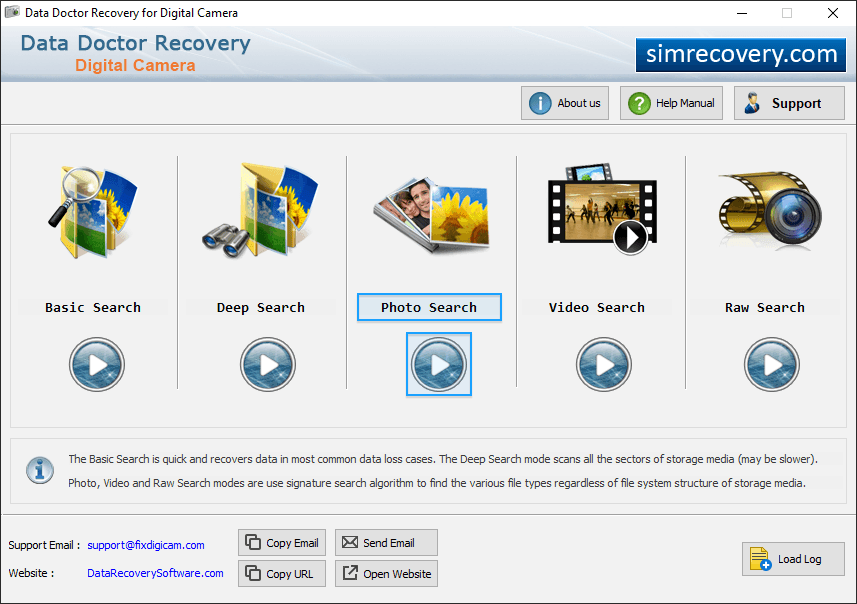
Choose any one recovery mode among Basic Search, Deep Search, Photo Search, Video Search and Signature Search.
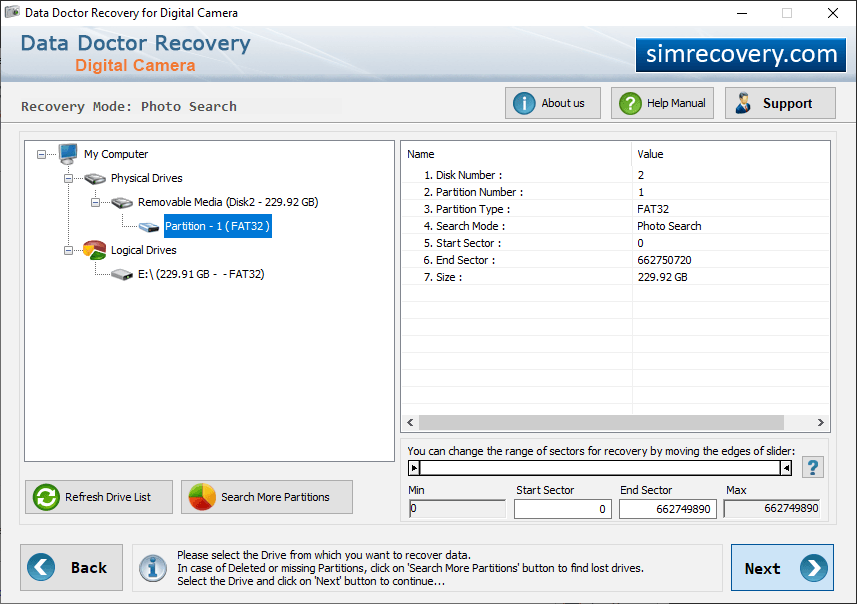
Select Partition to specify location from which you want to recover lost files and then click on 'Next' button.
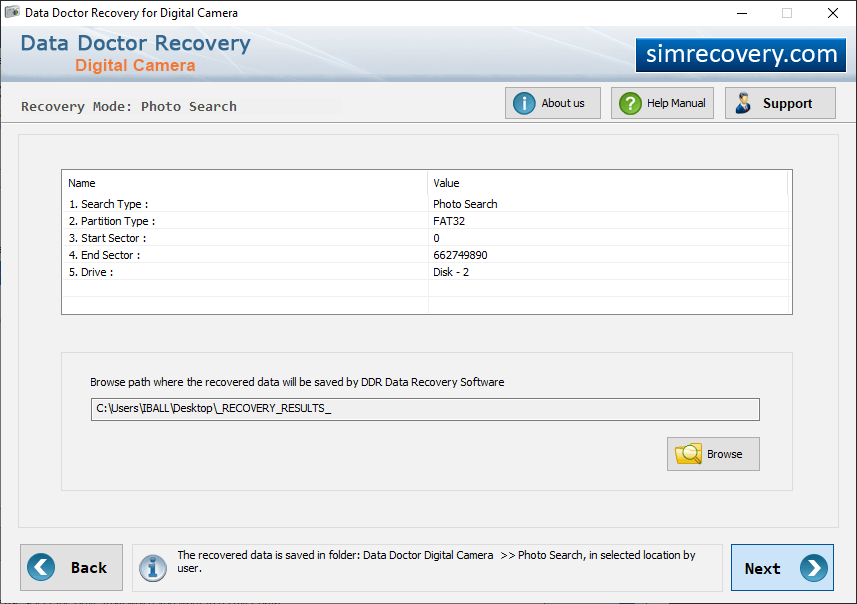
Select “Also perform Thorough Scanning Algorithm Search” to scan disk after General Recovery Process and click on “Browse” button to select location where you want to save recovered data.
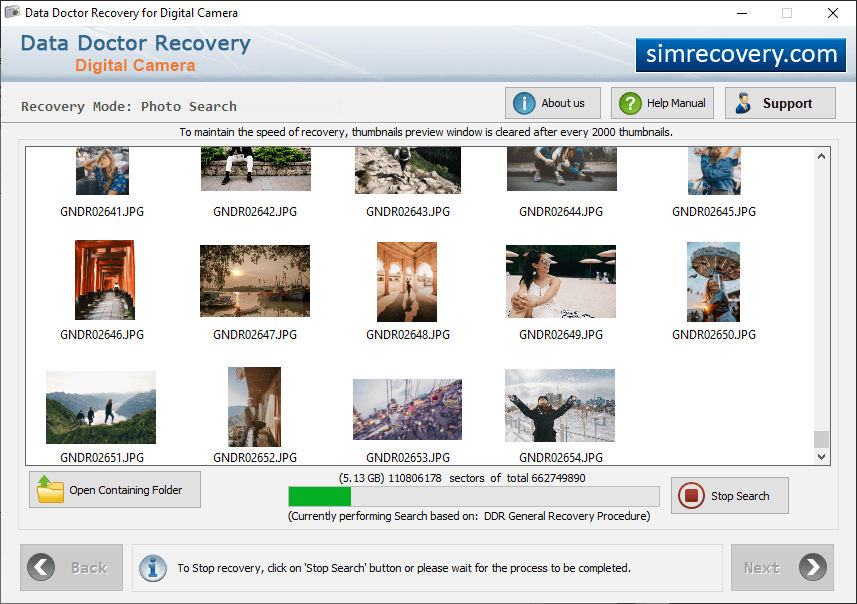
Currently performing disk scanning using General Recovery Procedure.
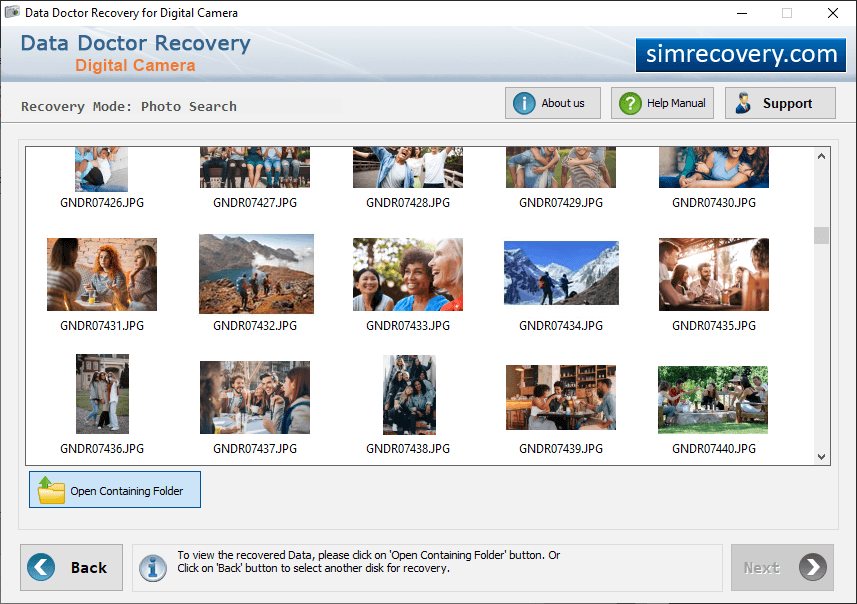
Select open contaning folder from and then click on 'Select other disk recovery' files.