


Screenshots USB Drive Data Recovery
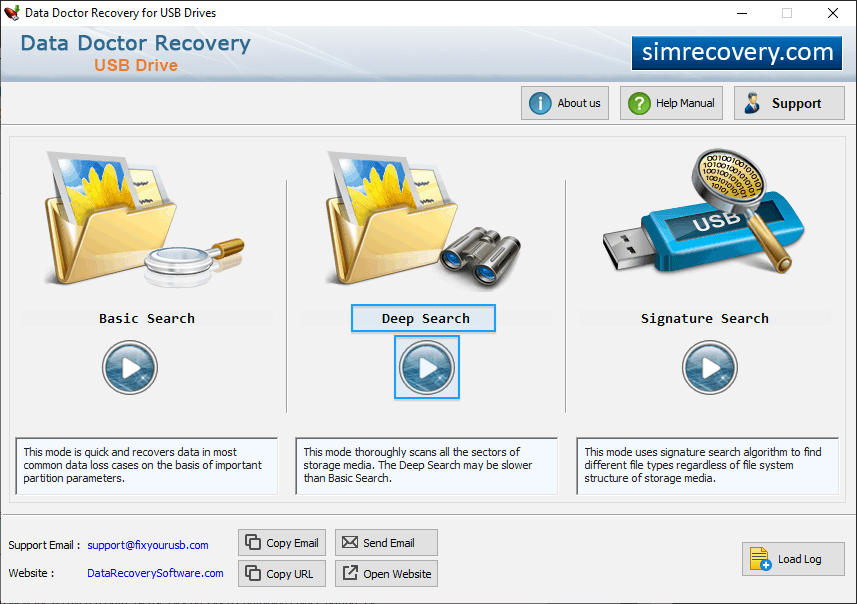
Choose any one recovery mode among Basic Search, Deep Search and Signature Search.
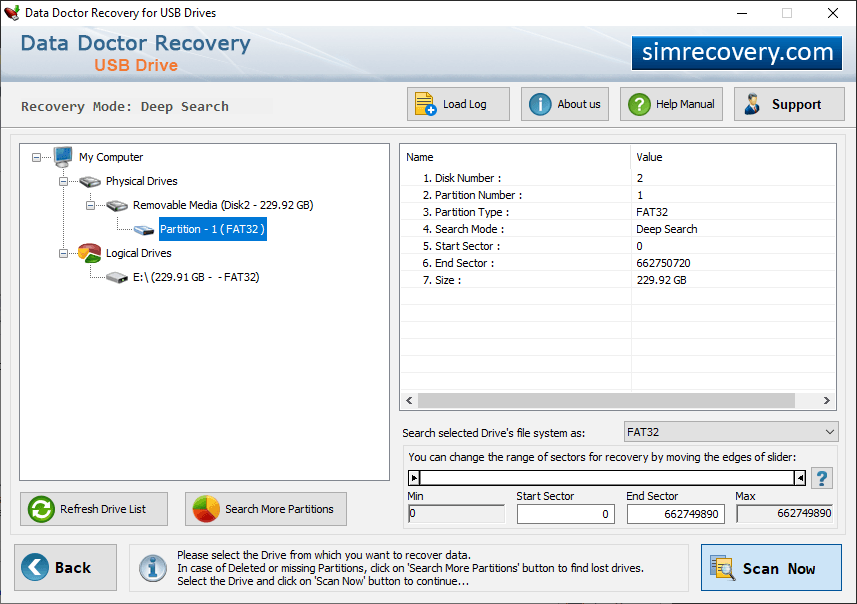
Select Removable media (USB drive) for recovery and details of drive is shown at right side like Model, Media Type, Interface Type, Capacity etc.
click on “Browse” button to select location where you want to save recovered data.
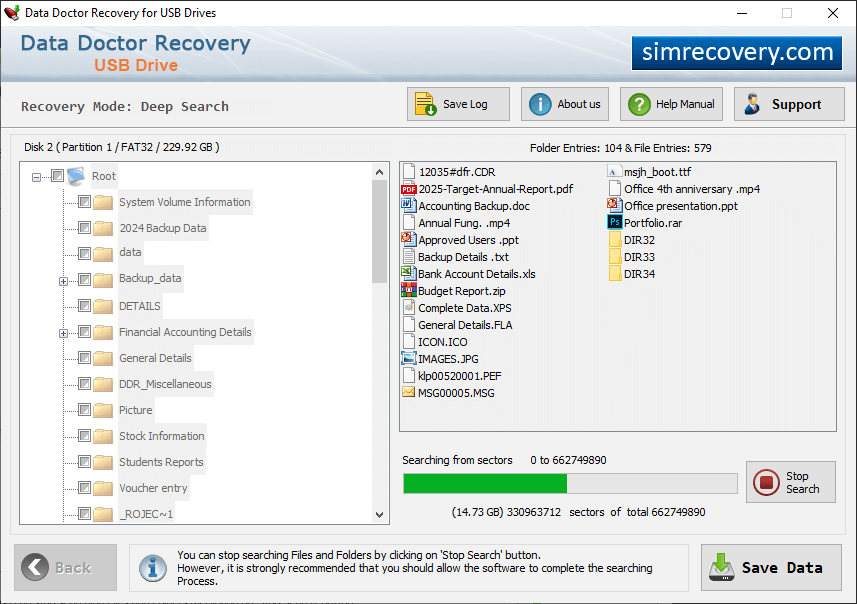
Progress bar to view current status of disk scanning process.
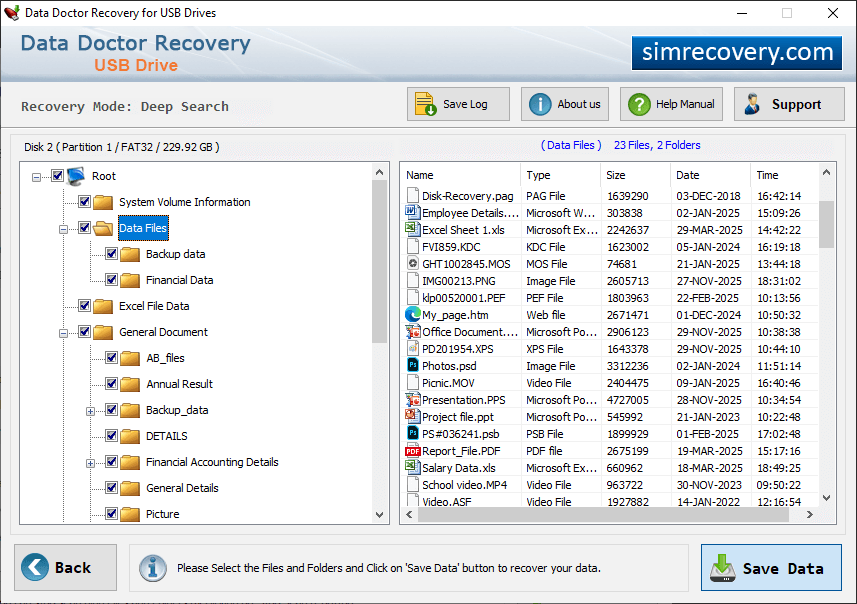
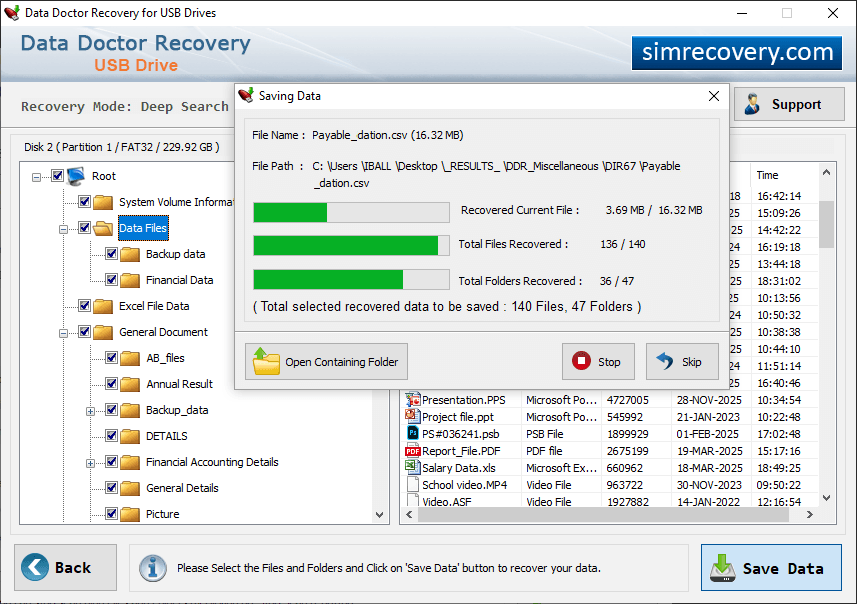
Save Recoverd data files. Click on "Open Containing Folder" to view recovered data.