


Screenshots MySQL to MSSQL Database Converter
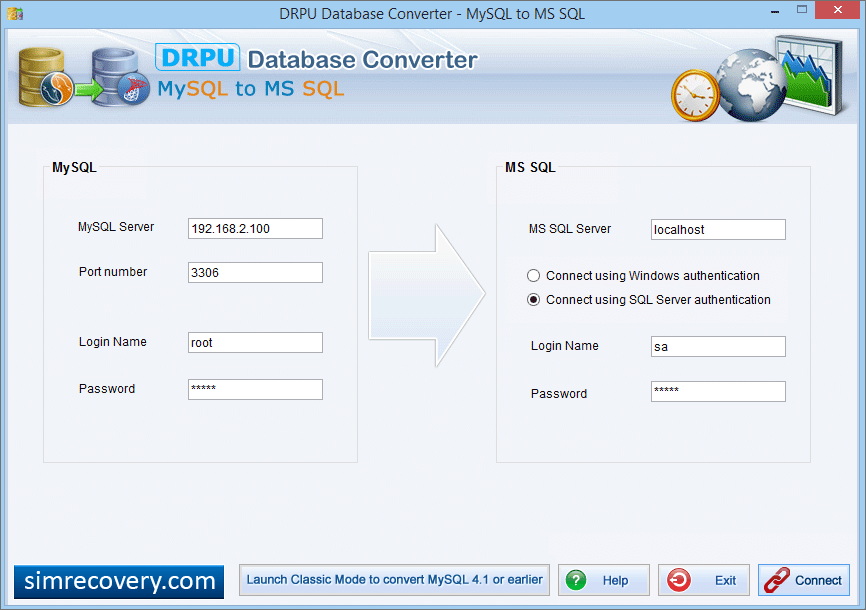
Select MySQL Tables and enter MSSQL destination database name.
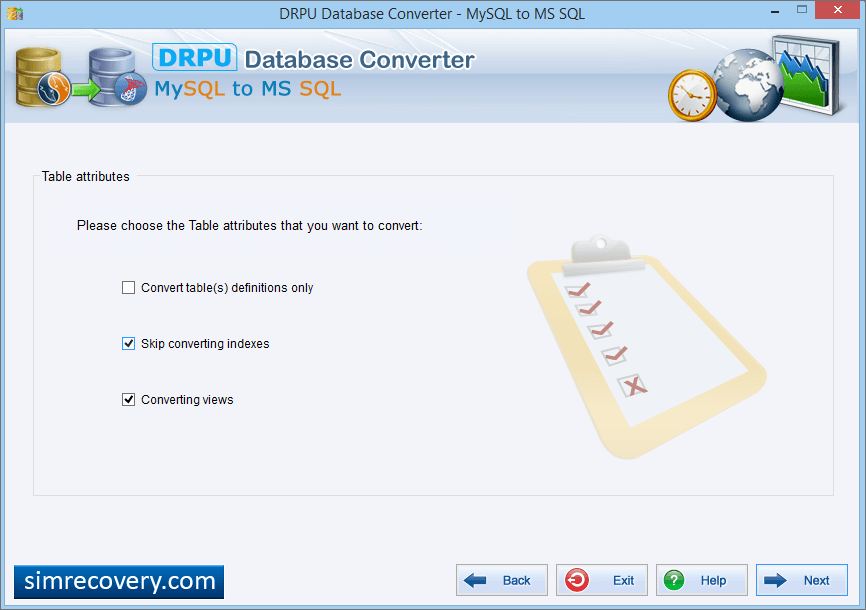
Choose Table attributes which you want to convert. Select "convert tables definitions", if you want to convert only table structure. If you do not want to convert indexes, then select "skip converting indexes". Select "converting views", if you want to convert views.
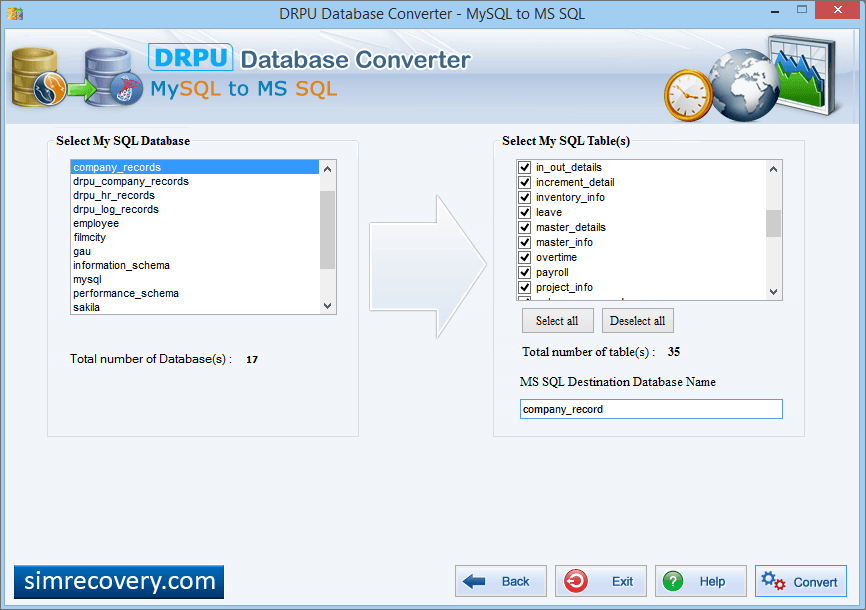
Select MySQL Database from left panel and MySQL database Table(s) list from right panel.
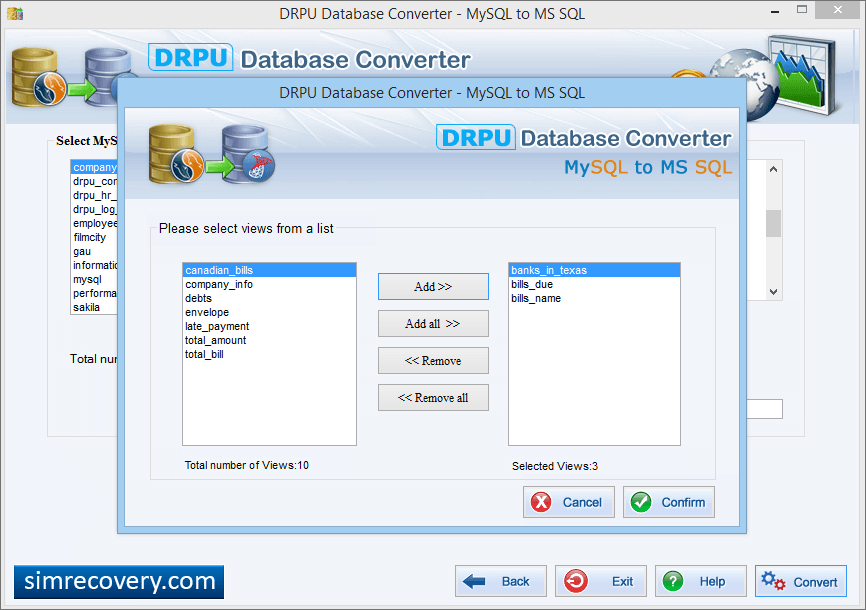
Select 'views' from list and Click Confirm button to start conversion process.
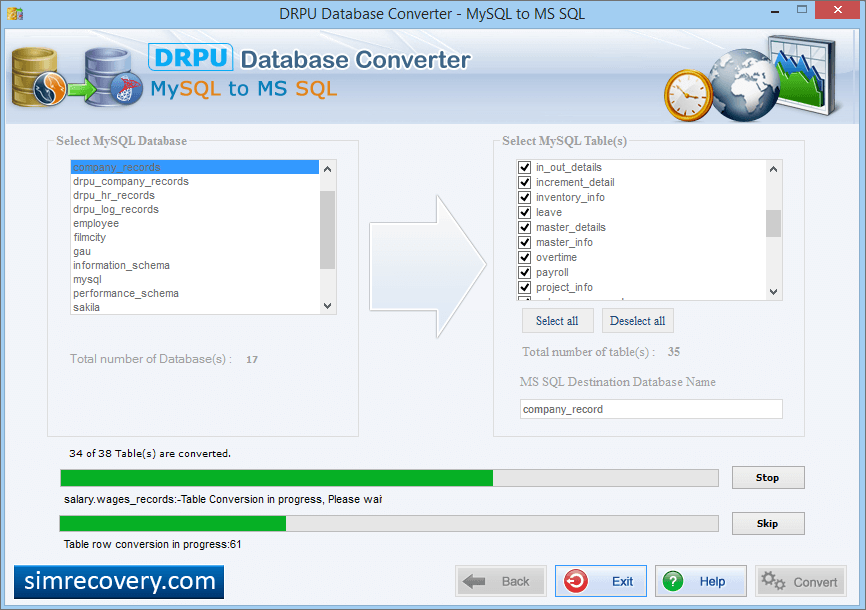
Use 'Stop' button, if you want to abort ongoing process of Database Conversion. If You want to skips any particular table then you can use 'Skip' button.
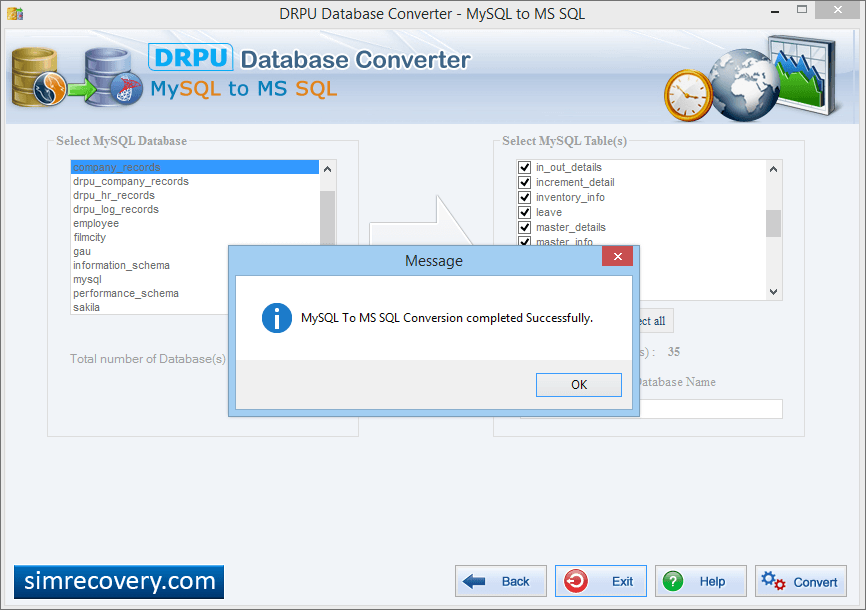
Now, MySQL to MSSQL databse conversion process has been sucessfully completed.